Scan-first reality
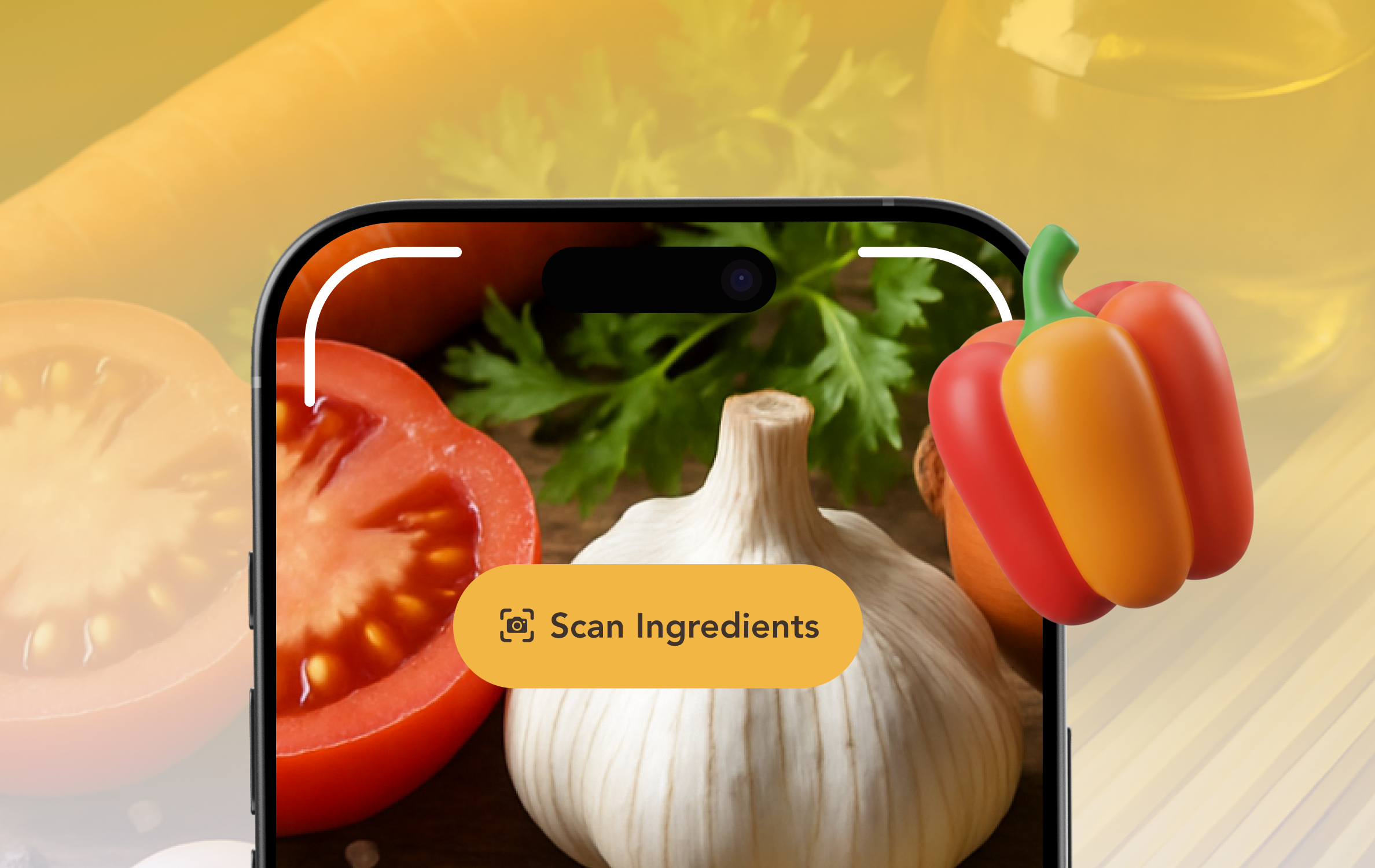
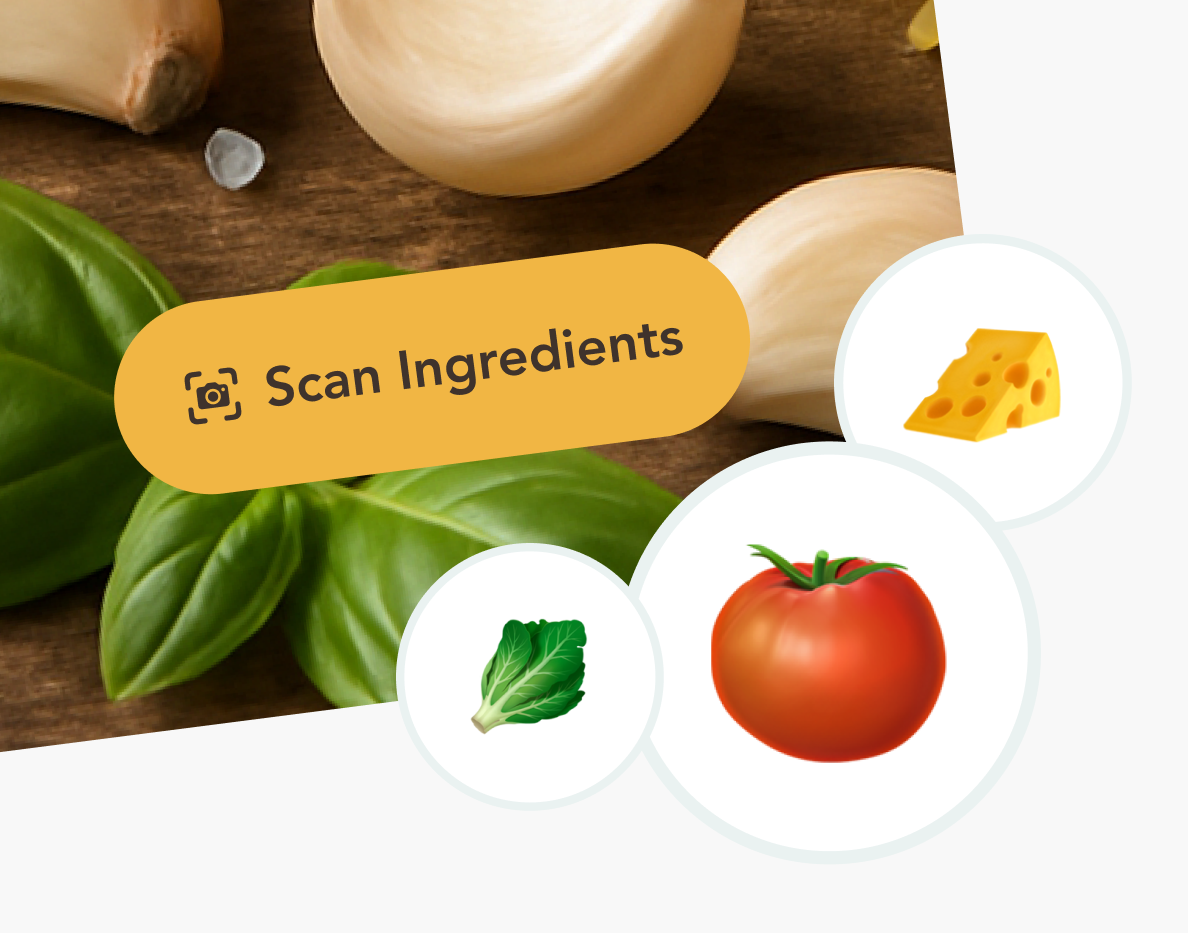
Camera, upload, or manual—your inputs stay grounded in what is actually on the counter.

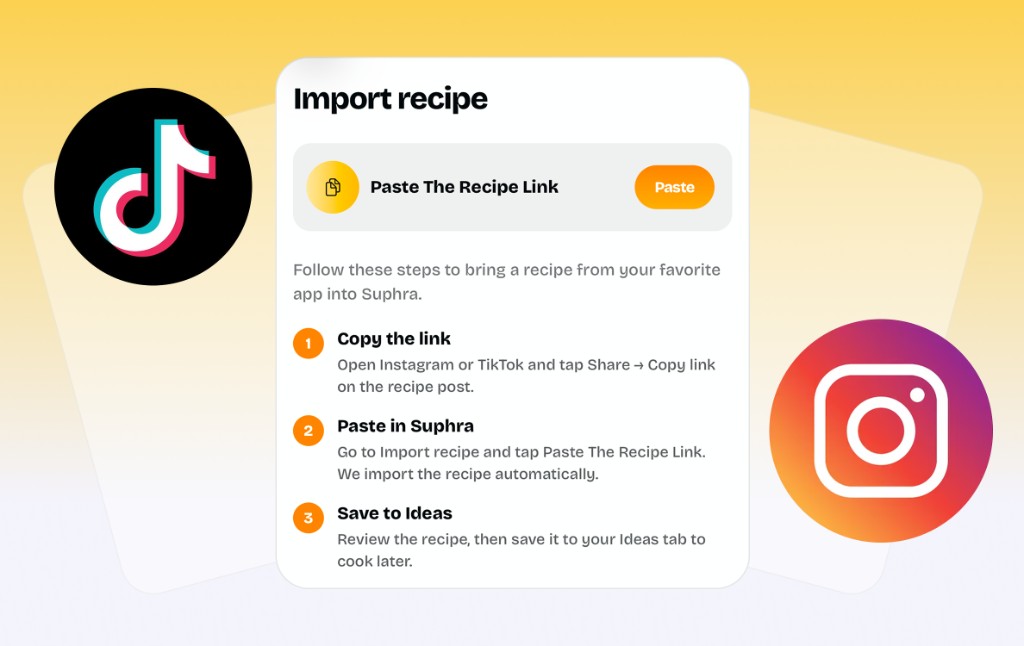
Paste any TikTok or Instagram link. Suphra reads the recipe, checks what you have, and tells you exactly what to do next.
Start 3-Days Trial
Your Guide
Random blogs and generic AI chats forget your unique produce. Suphra stays focused: Scan or snap, lock your list, and get meal ideas with prep tips and needed items.
Camera, upload, or manual—your inputs stay grounded in what is actually on the counter.
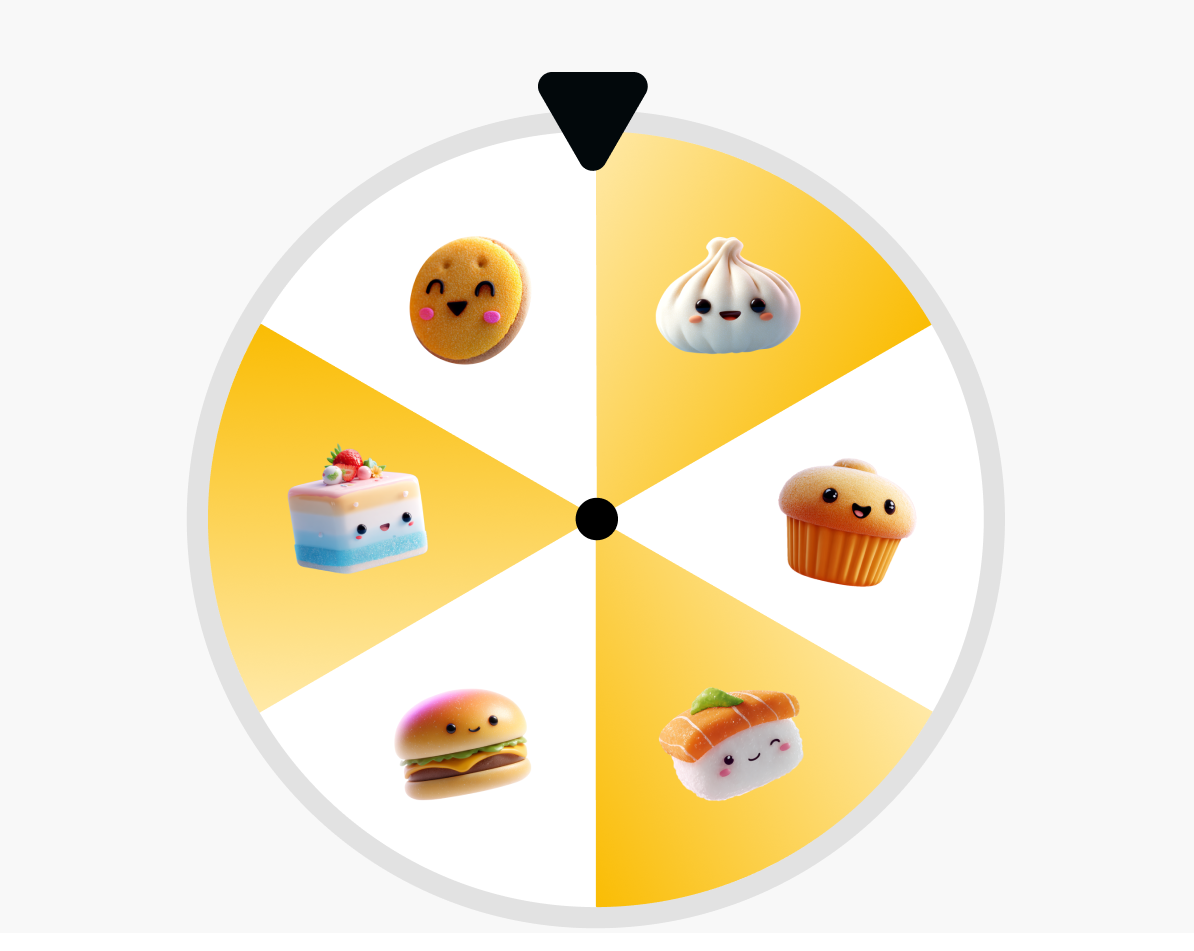
Three AI recipes, then three more if the vibe is off—built for picky households and weird pantries.
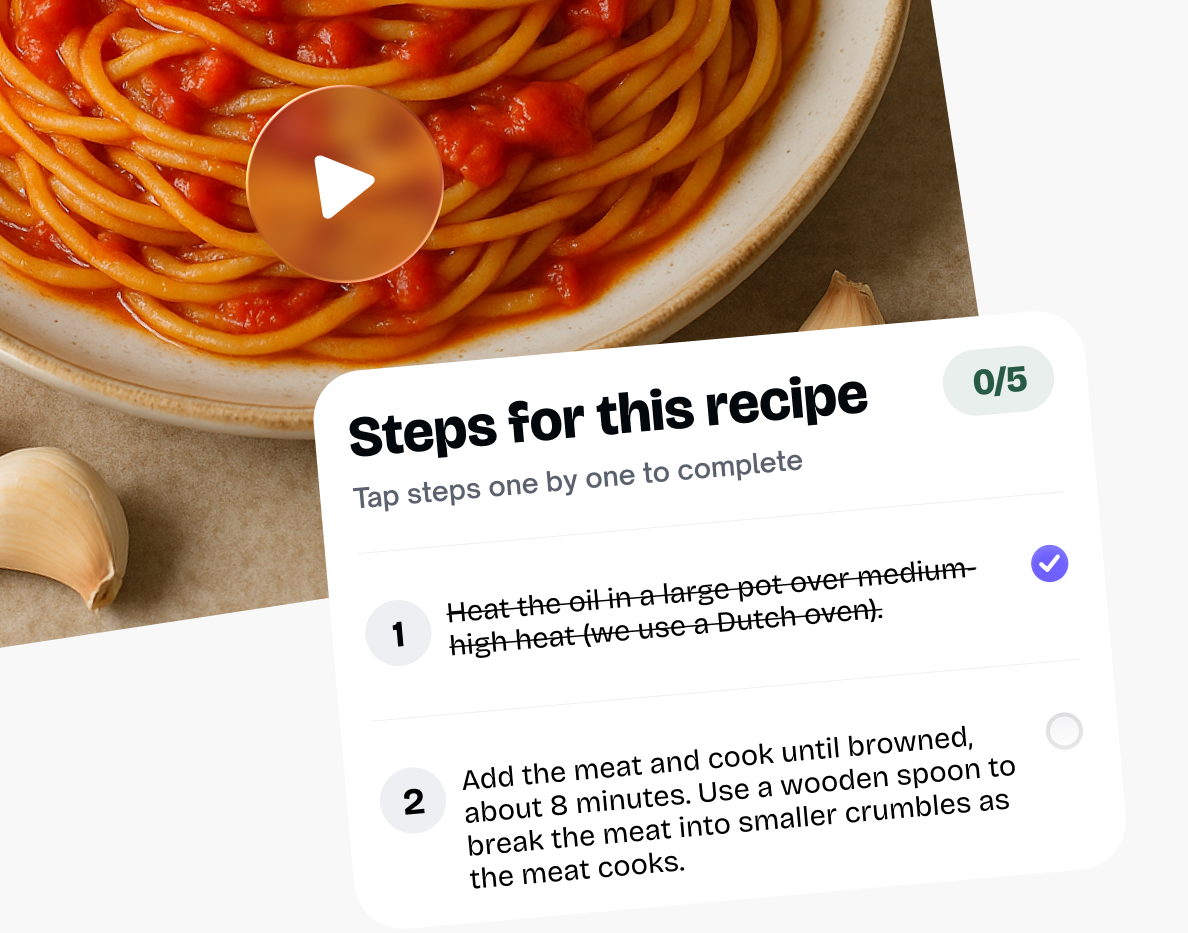
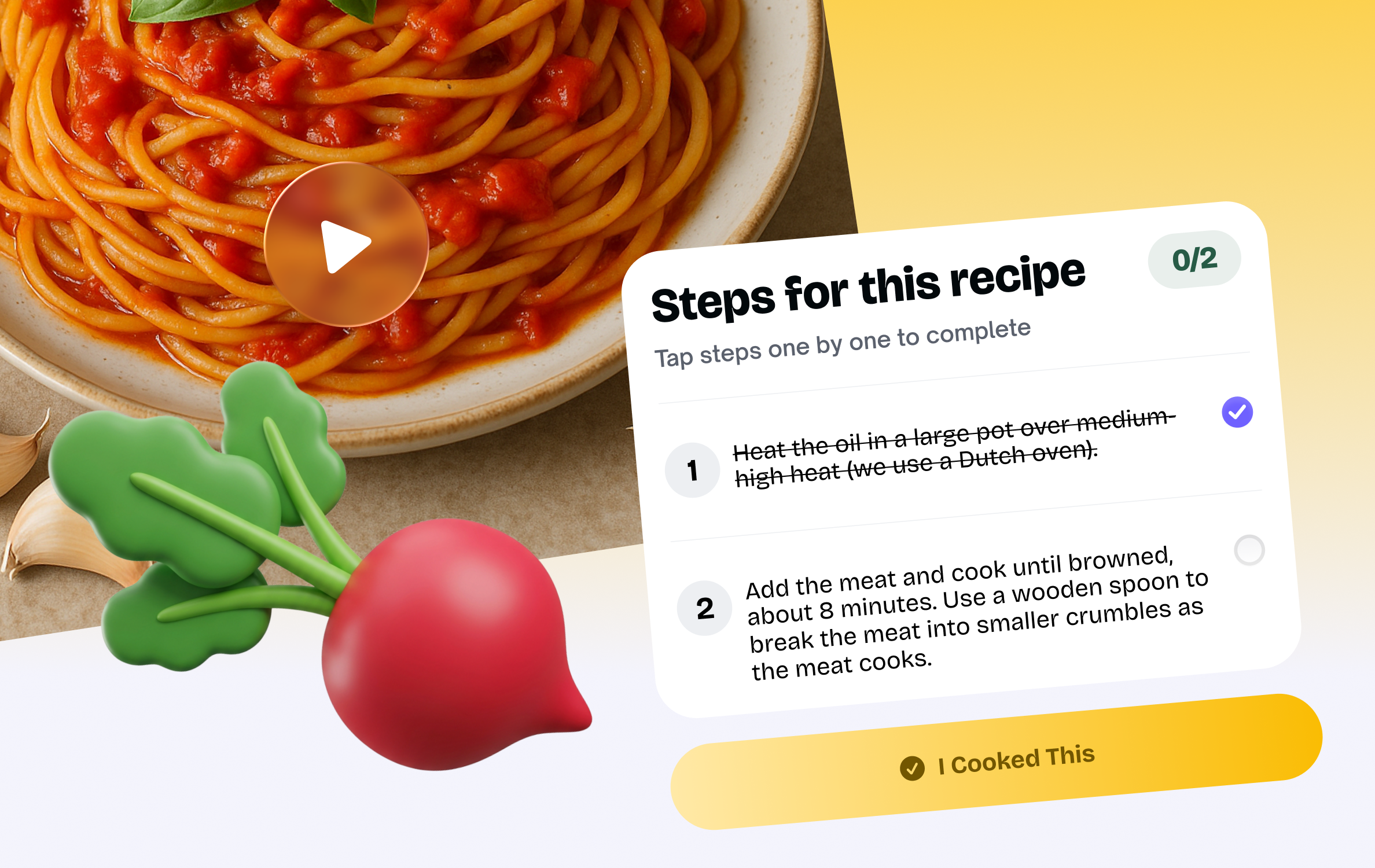
Step-by-step prep in order—without app-hopping mid garlic mince.
Features
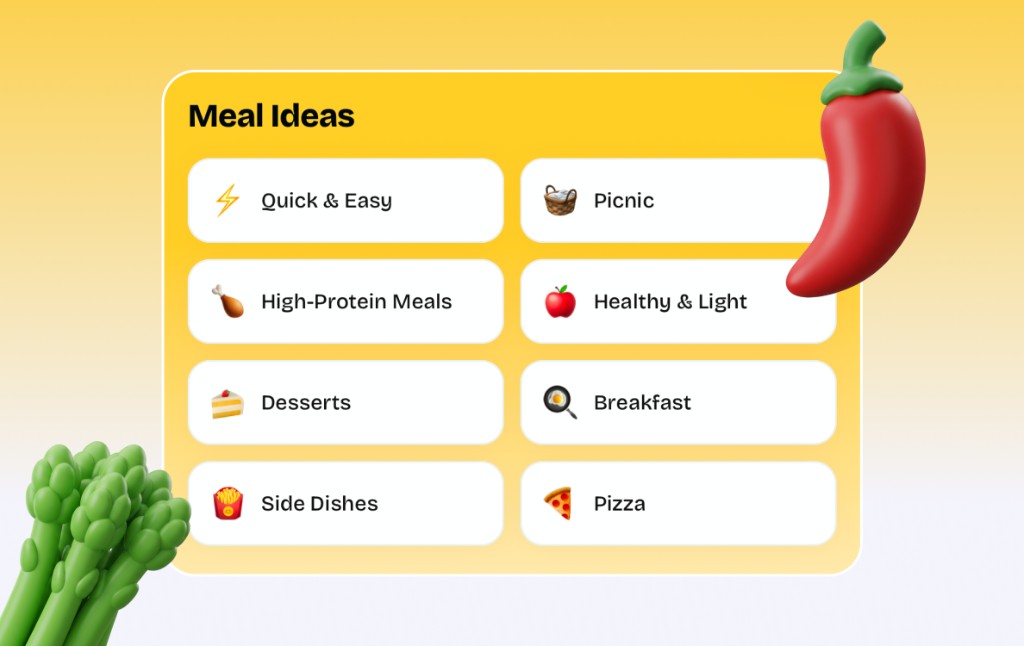
Suphra is not another endless recipe feed. Scan what you have, import viral TikTok and Instagram recipes, browse meal ideas tuned to your fridge, build a smart grocery list, then cook with guided steps in one place.
Three ways in, one smart pipeline
Some nights you have hands full of produce. Some nights it is a blurry photo from the group chat. Suphra accepts live scanning, image upload, and manual ingredients so you are never stuck because the app demanded a perfect workflow.
Recipe importer
Stop screenshotting food videos and forgetting them forever. Paste any link from TikTok or Instagram and Suphra pulls the recipe, ingredients, and steps into your collection automatically.
No more tabs and burnt sauces
Suphra walks you through step-by-step preparation so timing and sequence stay sane. Each step shows only what you need for that moment—large, readable, and built for messy-kitchen reality without losing your place.
3 AI recipes. Not it? Get 3 more.
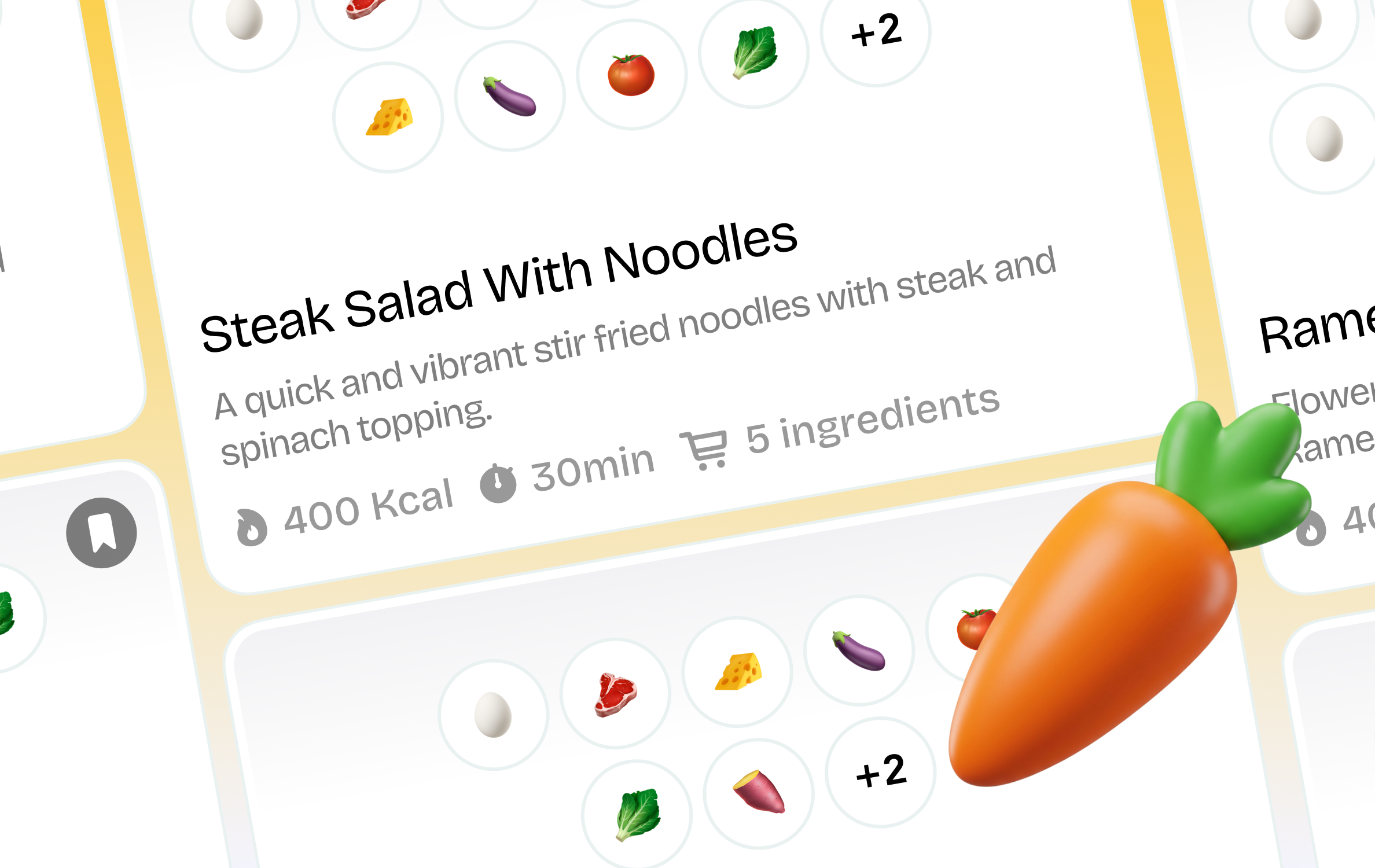
After each scan, Suphra creates three AI recipes to compare difficulty, time, and flavor. If none appeal, hit regenerate for three new options—a handy cheat for picky eaters and chaotic pantries, honestly reflecting how we choose food.
Personalised for you
Not a random feed of aspirational recipes you'll never make. Suphra surfaces ideas matched to your ingredients, dietary preferences, and how much time you actually have tonight.
Smart grocery list
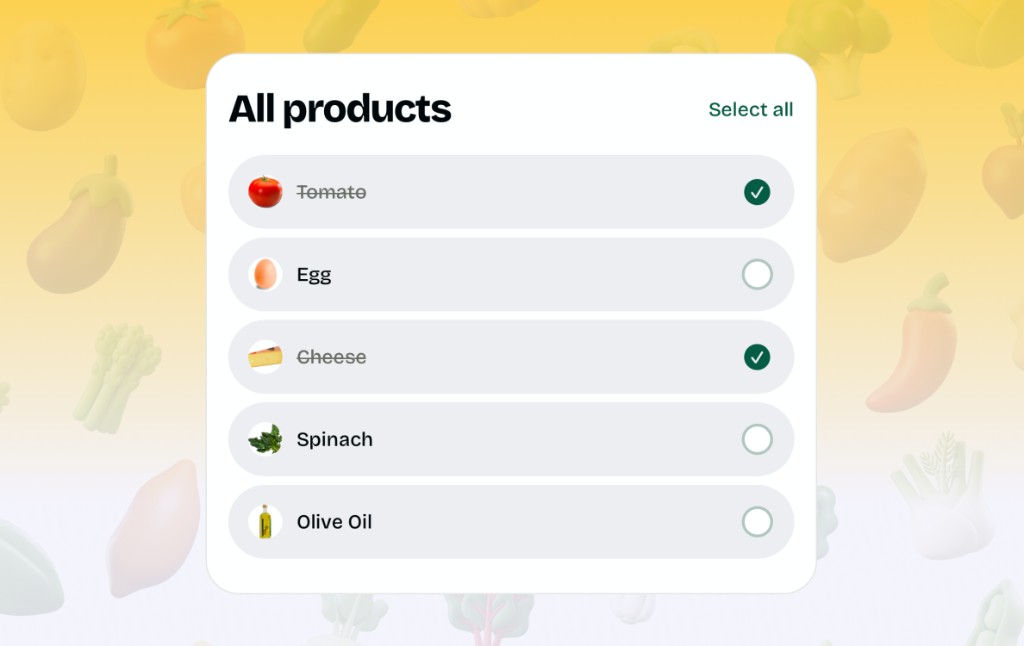
Found a recipe you want to cook? Suphra compares it against what's already in your pantry and adds only the ingredients you're missing — straight to your grocery list, ready to check off in the shop.
Kitchen notes
Editorial guides that pair with Suphra in the kitchen
Beyond the feature tour, we publish practical, search-friendly essays on the Suphra blog—for example how scan-first AI maps to viral TikTok food trends, why the 3 + 3 recipe roulette helps picky households compare six ideas fast, and how pricing for unlimited generations fits a weekly cooking habit. For the public-health context behind using groceries before spoilage, see the EPA sustainable food management overview; for vocabulary publishers use so search engines understand articles, see Schema.org BlogPosting.
Start 3-Days TrialLoved by cooks
“Takeout was my default. One fridge scan later and Suphra handed me three dinners I could actually cook tonight—no grocery run required.”
“I paste TikTok recipe links into Suphra and it turns them into real steps plus a grocery list. Saved me from another half-finished viral dish.”
“The 3 + 3 roulette ended the ‘what do you want?’ loop with my partner. Six options, pick one, cook mode keeps us on track.”
Pricing
Love cooking? Make it super easy with Suphra! Just download and start whipping up meals in seconds—no sign-up, no hassle, totally risk-free.
Weekly unlimited
$0 $1.99 /Week
Features included:
Popular
Yearly unlimited
$0 $59.99 /Annual
Features included:
FAQ
Scanning, regenerating, cook mode, redeem codes, and $1.99/week vs. $59.99/year unlimited—straight answers below (and in Google’s structured data).
Tap a question to expand the answer.
Suphra is an iPhone app that helps you scan ingredients or food, understand what you can cook, and see what you will generally need to prepare it. It uses AI to turn what is in front of you—via camera scan, photo upload, or a manual list—into real recipes you can save and cook step-by-step without leaving the app.
You can scan ingredients or food with your camera, upload an image from your library, or add items manually. Mix approaches when it is faster: scan the produce drawer, type the pantry staples, or snap a photo of leftovers and let Suphra interpret what is there.
After you scan ingredients or food—or finish your manual list or photo—Suphra generates three AI recipes at once so you can compare vibes, difficulty, and ingredients side by side instead of committing to one guess.
Yes. If the first batch is not it, regenerate and Suphra will produce three more AI recipes. That is six distinct directions before you even change your inputs—built for picky eaters, weird pantries, and “surprise me” energy.
Yes. Suphra is built for actual cooking: follow preparation and cooking steps in order so you are not guessing timing or sequence when the stove is already on.
Yes. Save recipes you want to repeat, revisit after the store run, or send to future-you before the week gets chaotic. Your saved library becomes the fastest answer to “what did we love last Tuesday?”
If you have a valid redeem code, enter it in Suphra to unlock free recipe generations according to the rules shown in the app at redemption time. Codes may come from campaigns, partners, or promotions—always read the on-screen details for expiration and limits.
Unlimited generations are available as a weekly subscription for $1.99 USD or a yearly subscription for $59.99 USD, billed through the App Store. Exact pricing and local currency may vary by region; confirm inside the app before you subscribe.
Suphra is built for iOS on iPhone. Download from the App Store when available in your region. Other platforms may be announced later—follow official Suphra channels for updates.
Treat AI output as a smart draft, not a guarantee. Check safe internal temperatures for proteins, follow hygiene rules, and verify allergens for your household. If a step looks wrong, trust your instincts and adjust—or regenerate.
Suphra is designed around your cooking workflow. For details on what is collected, how long it is kept, analytics, and account controls, read the Privacy Policy linked in the app and on your official download page—and make sure public marketing matches what the shipped product actually does.
Use the support or contact option inside the Suphra app, or email the address listed on your App Store listing and official website. Replace this sentence with your real support email when it is finalized.
Get Unlimited PRO for FREE
Make a Reel or Tiktok. Get views.
We pay you back!