See all posts, Georgian supra & AI, recipe roulette, and product features.
You found a recipe. You're mid-cook. You can't remember if "medium heat" means four or six on your stove. You switch to YouTube, search for the technique, accidentally close the recipe tab, and now the garlic is brown and the pasta water is cold.
This is the most common friction point in home cooking — not the recipe itself, but the chaos of following it. Suphra's cook mode was designed to eliminate this entirely: one screen, step by step, with the right YouTube video embedded right where you need it.
Why most recipe apps fail at the actual cooking part
The recipe discovery problem has been largely solved. Allrecipes, Serious Eats, and a hundred others give you well-written, tested recipes in seconds. But they all assume the same thing: that you can hold a recipe in your head while simultaneously managing heat, timing, multiple pans, and a kitchen that doesn't look like a food magazine photo.
The reality is that most cooking failures happen in execution, not in recipe selection. According to IFT's 2026 food trends report, consumers increasingly want "maximum outcome for minimum effort" — meaning the tools they use to cook need to do more of the cognitive work, not just present information.
The YouTube-in-recipe idea: why it changes everything
Text instructions are fine for tasks you've done before. But "fold the egg whites until soft peaks form" or "reduce until nappe consistency" are phrases that mean nothing until you've seen them done. YouTube has the best cooking technique library in the world — millions of videos demonstrating exactly what every instruction looks like in practice.
The problem is context-switching. The moment you leave your recipe to search YouTube, you've broken your flow. You search, you watch a 12-minute video when you needed 45 seconds of it, you lose your place. Suphra embeds the right YouTube clip directly alongside the step it illustrates — so you see the technique exactly when you need it, then move on without losing momentum.
Cognitive load research consistently shows that task-switching during complex physical tasks dramatically increases error rates. Cooking while navigating between apps is exactly this kind of dual-task interference — it's not a discipline problem, it's a design problem.
APA — The science of multitaskingWhat Suphra's cook mode actually looks like
Once you've picked a recipe, Suphra's cook mode breaks it into clean, sequential steps. Each step shows only what you need for that moment — not the whole recipe at once. The screen stays on. The text is large enough to read from across a counter. And for technique-heavy steps — searing, deglazing, tempering chocolate — the relevant YouTube video appears right there, inline.
You tap play, watch the 40 seconds that matter, tap done, and move to the next step. No searching. No context loss. No burnt garlic.
Timing, technique, and the calm screen
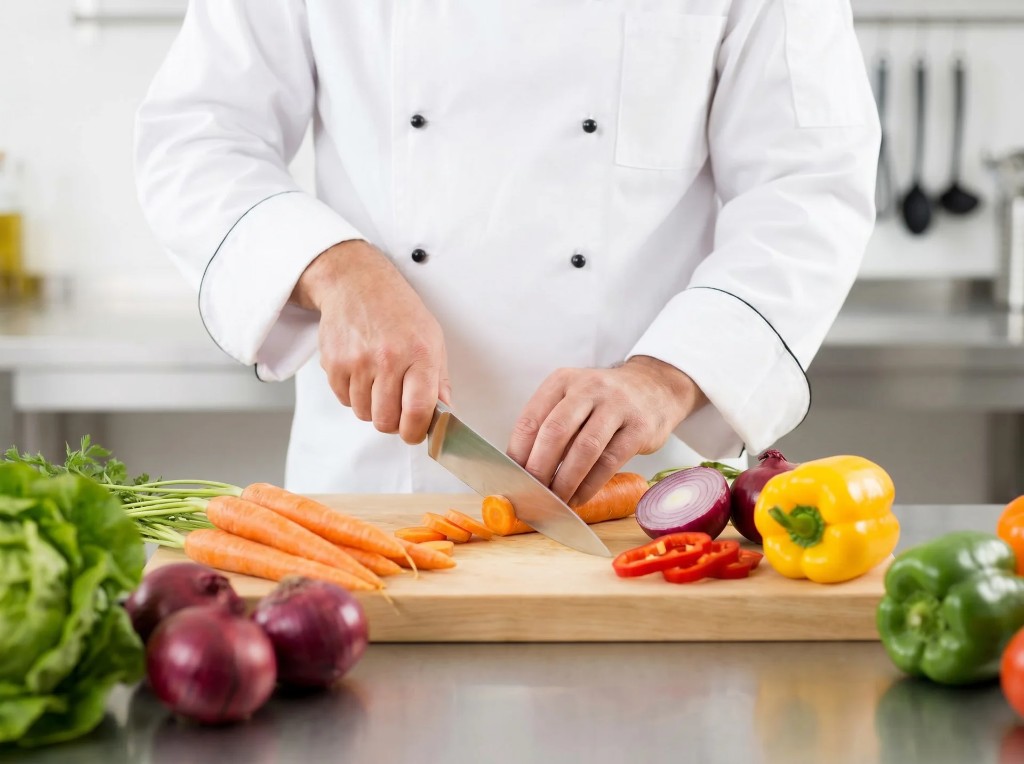
Professional kitchens run on mise en place — everything in its place before you start cooking. Most home cooks skip this because it's never been clear what "everything" means for a specific recipe. Suphra's prep step lists exactly what to chop, measure, and set aside before the heat goes on — so the actual cooking is calm instead of frantic.
Timing matters too. Serious Eats' guide to mise en place explains why professional cooks never start cooking without their prep complete — and why home cooks who adopt the same discipline produce dramatically better results with the same recipes.
Before you start cooking, read through all the steps once in Suphra. It takes 60 seconds and eliminates 90% of mid-cook surprises. The "oh, I need to marinate this for 2 hours" moment happens in planning, not in panic.
Ready to cook without the chaos?
Scan your ingredients, pick a recipe, and follow step-by-step with YouTube right there — one calm screen from fridge to plate.